
See the possibilities in your space.
Upload a photograph of your kitchen or bathroom. Choose a cabinet line — Fabuwood included — then stone, tile, floor and light. Apply the design to process those changes on your photograph.
Everything, exactly where you want it.
Upload a photo of your kitchen. Choose a cabinet line — Fabuwood Allure, Everwood, St. Martin or NOMA — then the counter, splash, floor and hardware. Press Apply this design to process those changes on your photograph. Until then, the original stays exactly as you left it.
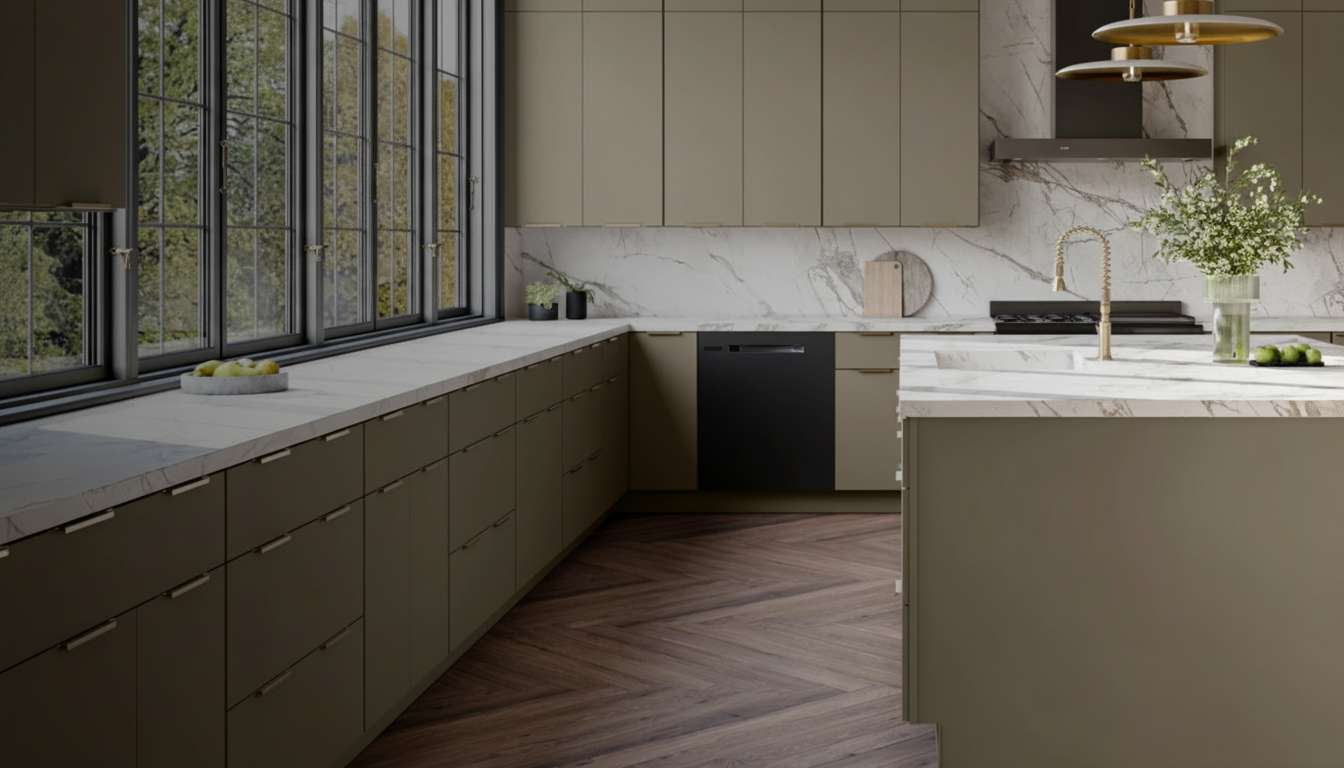 It begins with a sketch.
- Cabinet colourNatural Oak
- CountertopBritannica
- BacksplashMarble herringbone
- FloorLight oak plank
- HardwareMatte black
Choose the finishes, then apply. Nothing is painted onto the photograph before that.
Before is your original photograph. After appears only when Apply this design has finished, and only if a real preview comes back. Lighting changes the mood of the light already in the room — it does not drop fittings onto the ceiling. Materials will still vary in your home.
Original photograph. Selections are not applied until you process them.
I designed a kitchen in the Sarokey visualizer. Fabuwood Galaxy cabinet colour in Natural Oak (Fabuwood), Britannica (Cambria) countertop, Marble herringbone backsplash, Light oak plank floor and matte black hardware. Lighting: warm glow, recessed only. Could we talk through this look for my space?
Talk through this design The written choices travel with the enquiry. The photograph changes only after Apply finishes.Every finish, at a glance.
Pick a swatch and the dropdowns above follow along. Nothing reaches the photograph until you apply it.
Fabuwood colours
Checking your account…
Shall we talk about your home?
Bring your ideas, your questions, or simply a feeling that something could be better.
Book a free consultation No obligation. Just helpful advice and a fresh perspective.